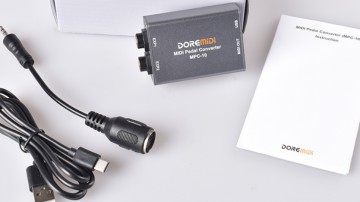
MPC-20: no MIDI after cold boot, only works after USB unplug/replug
I have an MPC-20 connected directly via USB to a Windows 11 desktop (Dell Precision 3431). After a fresh boot, the device shows up correctly everywhere in Windows — Device Manager lists it as healthy (Status: OK), and MIDI software (Bome MIDI Translator, and separately the DOREMiDi Pedal Config Tool) both detect it in their device lists. However, no actual MIDI data comes through — pressing a connected pedal produces nothing in either application.
The issue is resolved only by physically unplugging the USB cable and plugging it back in. After that, it works perfectly for the rest of the session. This happens on every cold boot.
What I've already ruled out, in case it saves troubleshooting time:
Not a driver installation issue — Device Manager shows the device as fully healthy, with correct drivers, both before and after the fix
Not Smart App Control or antivirus blocking anything (confirmed off)
Not a timing/settling issue — waited 60+ seconds after boot with no change
Not fixable via software re-enumeration — tried Disable-PnpDevice/Enable-PnpDevice (both on the MPC-20's own device node and its USB parent node), a full driver uninstall/reinstall, pnputil /scan-devices, and pnputil /remove-device + rescan. None of these restore MIDI data without an actual physical replug or full system reboot.
Confirmed via the Pedal Config Tool as well, not just Bome — same behavior, so it's not specific to one piece of host software
This strongly suggests the device needs an actual USB power cycle (loss of VBUS) to properly initialize MIDI output — something that only a real unplug (or full reboot) provides, and that no OS-level software command can replicate.
Questions:
Is this a known firmware limitation? Is there a firmware version that addresses USB/MIDI initialization on cold boot?
Is there a recommended workaround short of a switchable-power USB hub?
Happy to provide more diagnostic info (exact device InstanceId, firmware version, etc.) if helpful.